
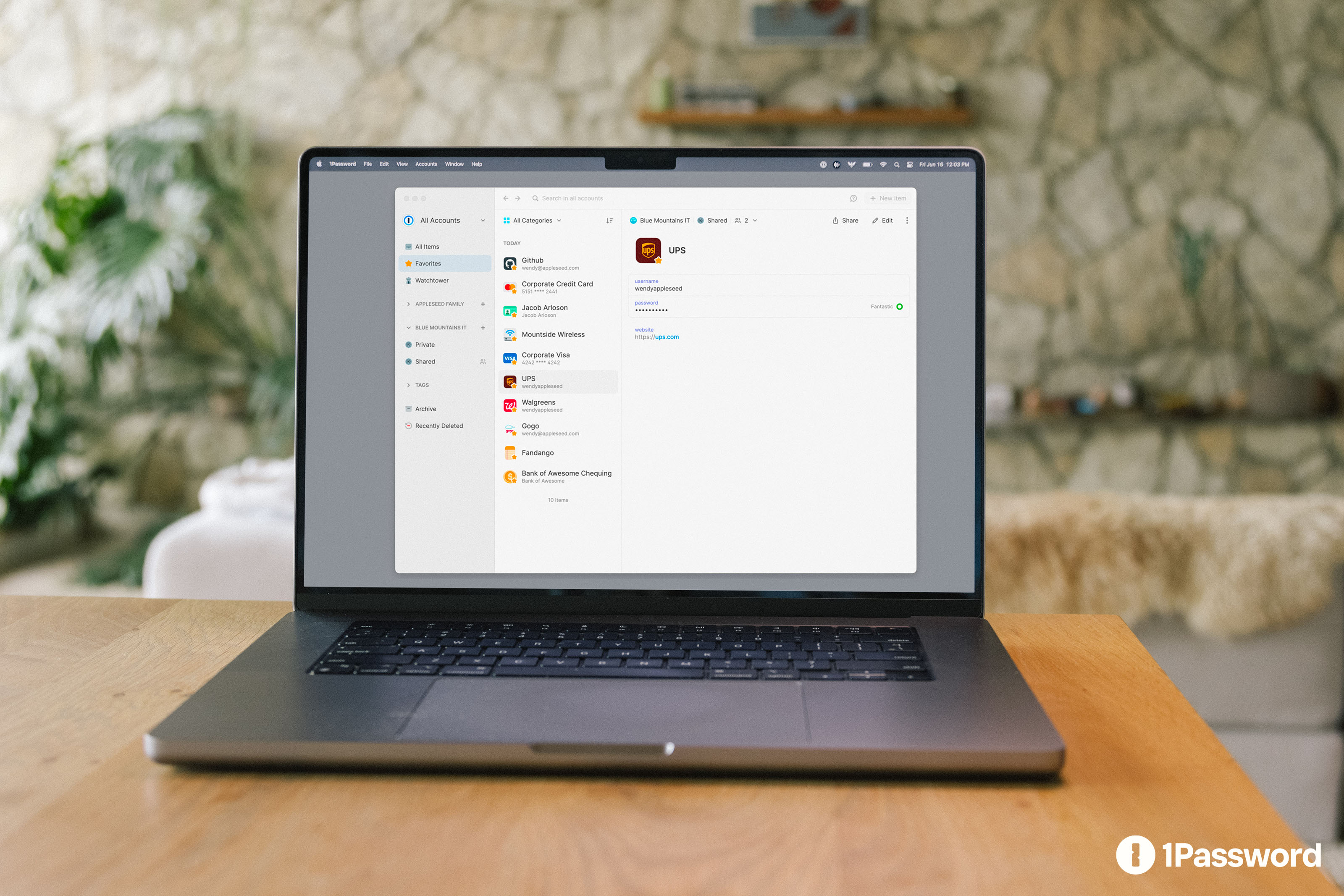
1Password announced its Agents platform on October 22. Its announcement still labels Claude Duet, ChatGPT Work and dots, and Townie integrations as coming soon. The important question for readers is what changes when an assistant can enter an account, rather than merely discuss it.
Check the integration, not the logo
The official Muse page describes rollout over the coming days. It is included in Individual and Families plans on 1password.com, with .eu and .ca accounts not yet supported. This is an account-domain restriction, not a statement that every person physically in Europe or Canada is excluded.
The separate Grok Bot page also describes rollout over the coming days. Neither wording establishes that every user already has access. Our practical reading: a partner announcement is a reason to check the relevant product, not evidence that a missing switch should already exist.
For someone considering a subscription specifically for this feature, availability should come before purchase. Write down the particular agent, account domain and device you intend to use, then verify that combination. A familiar logo on an announcement cannot resolve those three questions.
What happens at the login screen
According to the product FAQ, the user approves or denies a login request, and 1Password fills the password or one-time code without sending it to the agent. Connecting an agent does not open the whole vault. Approval frequency can differ between integrations.
That separation is useful to understand before judging convenience. Consider two independent questions: which account may the assistant enter, and which outcome may it create there? A good instruction answers both. “Use this account to find the receipt” is much narrower than “manage everything here,” even when the same login enables either request.
The account remains consequential
1Password’s Claude security documentation says approved-item metadata can include titles, usernames and websites. It also assigns post-login behavior to the agent product’s safeguards and acknowledges risks from compromised devices and destination sites. These are documented boundaries for that integration, not an independent audit or a universal implementation specification.
Our editorial distinction is between protecting the route into an account and controlling the work performed inside it. An assistant preparing an expense summary needs enough information to identify receipts.
That task gives no reason to alter reimbursement details. Similarly, comparing a saved shopping basket and completing checkout should remain separate decisions in a well-scoped workflow.
These examples are proposed operating boundaries, not claims that 1Password enforces them. Before an important task, specify the intended output and the point where the assistant must stop. For example: compare three options, produce a draft, and ask before creating an external commitment. This makes the boundary understandable even when several services are involved.
Encryption answers a different question
The announcement links to 1Password’s confidential-computing documentation. It describes isolated enclaves, cryptographic attestation and published release records. Those are the vendor’s architectural claims about protected processing. They do not themselves establish that every partner integration uses an identical technical path.
For readers, the useful question is what a security statement actually covers. Evidence about handling secrets should be evaluated on that subject. It cannot, by itself, demonstrate that an assistant chooses the correct recipient, interprets a cancellation condition accurately or recognizes an instruction hidden in an untrusted document.
Those outcomes need their own evaluation.
A sensible first trial
Our suggested starting point is a limited, reversible task with a visible result. Define success before starting: perhaps a private summary of a few records, with no outgoing messages or account changes. Inspect the result against the source material. A successful login is only one checkpoint in that exercise.
When reviewing the approval screen, check the account and service against your original task rather than approving out of habit. If the request appears unrelated, stop and clarify why it is needed. Keep an ordinary sign-in route available so that an unavailable integration does not pressure you into putting credentials in a conversation.
The Grok Bot page says its connection can be disconnected. For any integration, our recommendation is to verify the documented effect of revocation rather than assume that one disconnect button also ends every existing website session. Treat credential access and session cleanup as separate review questions until the relevant documentation connects them.
What the announcement changes
The interesting development is a more explicit place for the user to approve account access. Its value should be judged alongside the agent’s task controls and the website’s own permissions, not through a single security slogan.
We have not tested the integrations hands-on. This analysis reflects official material checked on October 23, 2026; availability should be rechecked before use.
Comments