
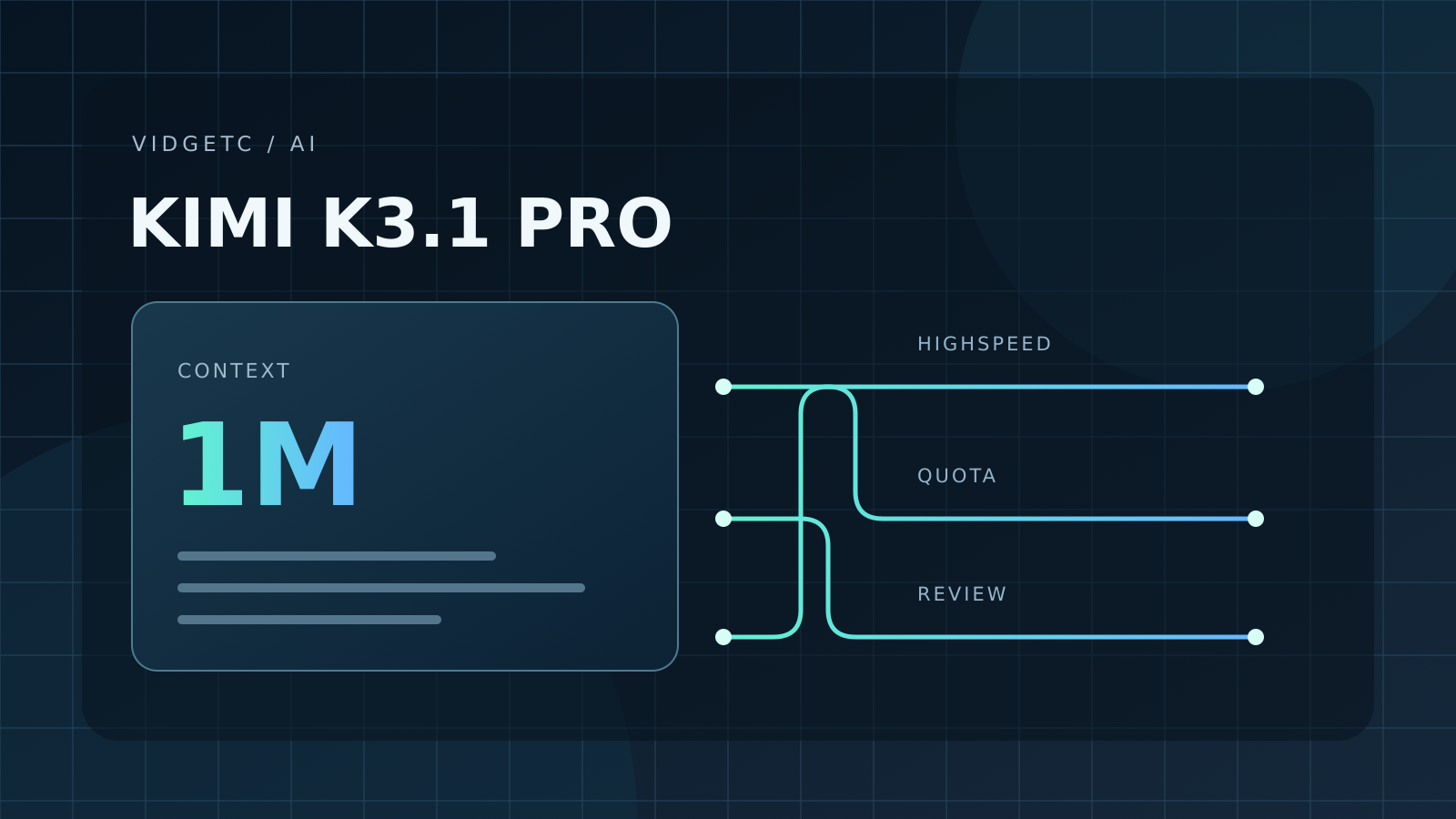
Kimi’s release notes date the K3.1 Pro rollout in Kimi Code to 23 October 2026. This article examines the documented conditions as checked on 25 October; it is not a hands-on performance test.
Start with the workload, not the largest number
The model table lists up to 1,048,576 tokens for eligible higher-tier accounts. Highspeed is described as having the same capabilities, approximately two to three times the speed, and about twice the quota use. Thinking is mandatory; low, high and max are available, with high the default.
Those statements describe different parts of the offer. A context ceiling tells you how much material can fit, while a speed claim describes responsiveness. Neither establishes whether a particular change will pass your tests.
Before comparing versions, choose the outcome you need: a correct patch, a useful explanation or an accurate review. Otherwise a longer answer can look like progress even when it leaves the original problem unresolved.
A larger window needs an editorial decision
The desktop documentation supports file and folder references, attachments and explicit reproduction steps. It also provides a command to compact a conversation.
Imagine investigating a checkout bug across a frontend component, an API handler and a validation function. A sensible starting packet contains the failing case, those files and the expected result.
Adding unrelated exports simply because there is room makes the comparison harder to interpret. Try a focused packet first, then a broader one only if the first attempt demonstrably lacks something.
Keep the same test and compare whether the extra material changes the result. This is our suggested evaluation method, not a claim that Kimi always performs better with shorter input.
Access is not identical for every subscriber
Current membership documentation puts ordinary K3.1 Pro access at Plus or legacy Moderato and above. The larger context and Highspeed require Pro or legacy Allegretto and above. New plans retain a rolling five-hour limit and a monthly total; legacy plans also retain their weekly rules.
A colleague’s screenshot therefore cannot tell you what your own account includes. Write down the exact plan name and the limits visible in your account before starting a comparison.
This matters especially when two people use different generations of subscription. Do not turn the disappearance of one weekly limit into an assumption of unlimited use. We are deliberately not reproducing a price table: the relevant decision begins with the current checkout terms for your account, not a number detached from its region and billing period.
Highspeed should be judged at the finish line
Our practical recommendation is to measure the whole task, including the time spent checking and correcting the output. For a small UI fix, record when the request starts, when a candidate patch is ready, and when the relevant checks finally pass.
Also record quota consumption if the account exposes a comparable measure. Run the same task from the same starting state with each variant, rather than letting the second attempt inherit the first answer.
A faster initial response may be useful even without a quality difference, but whether it is worth the consumption trade-off depends on the work you repeat. We have not performed that experiment here.
Separate planning from permission
The desktop guide distinguishes normal execution, a plan awaiting confirmation, and longer-running goal work. It offers permission modes and recommends a cautious starting mode for unfamiliar projects.
For an evaluation, a reviewable plan makes the comparison easier: ask which files will change and what will count as success before any edits happen. Keep the allowed scope identical between runs.
A model should not win a comparison merely because one session was allowed to rewrite more of the project. Inspect the eventual diff for unrelated changes as well as the intended fix.
An attractive explanation is not a replacement for checking what was actually modified.
A client, a subscription and an API are different layers
The FAQ distinguishes the subscription-based Kimi Code service from the separately billed Kimi Open Platform. Their connection settings and credentials are not interchangeable.
This is useful context when an integration behaves differently from the official app. Establish which service the tool is calling before comparing its output or cost. Record the client version and configuration choices, but never paste authentication secrets into a review or support screenshot.
A failed connection is not evidence that the model cannot solve a task; it may mean the experiment never reached the intended service.
Configuration deserves its own check
The CLI provider documentation describes multiple supported providers and model declarations. The managed Kimi login configures its connection automatically.
A familiar application name is not enough to identify the model behind a session. In your experiment notes, preserve the displayed model identifier and the chosen reasoning setting.
If you change either, begin a clean comparison rather than silently mixing results. This also helps a teammate reproduce what you observed. Our recommendation is to prefer a small, understandable setup while evaluating a new release, then add the integrations you actually need.
Read the failure before repeating the request
Kimi’s error reference separates authentication failures, subscription permissions, usage limits and malformed requests. It also documents rejection when thinking is disabled for K3.1 Pro.
Treat these as different diagnostic questions. Did the request authenticate, was the capability included, and was the request formed correctly? Repeating the same failing call without reading the message tells you little.
Keep a redacted error record and distinguish a service/configuration problem from an answer-quality problem. Do not count unsuccessful setup attempts as completed benchmark tasks.
Who should try it first?
A useful pilot starts with three jobs you already know how to judge: one narrow correction, one question spanning several files and one review of a proposed change. Define the expected evidence for each before running anything.
Keep the tasks small enough to inspect manually, and note both success and the extra work needed to reach it. Only then consider a larger repository or a longer unattended objective.
K3.1 Pro is worth evaluating as a workflow option, but the documented release alone does not justify declaring it the best coding model or replacing an established tool. The meaningful result is whether it reduces your own verified work, at a consumption level you accept.
Comments