
November on Steam is not just a row of release buttons. A library can gain a new game, an existing purchase can reach a new milestone, and a temporary preview can appear before a full launch.
This guide follows six selected releases through those distinctions. Its focus is the Steam decision: what is arriving, what kind of access the date represents, and which store details deserve a second look.
It is not a second copy of our wider PC calendar. Information was checked on 25 October 2026; verify the live listing again before buying.
3 November: a new Early Access purchase
Loftia's October 19–26 demo is separate from its November Early Access launch. The developer says demo progress carries over.
The approximately one-year Early Access plan is an estimate, not a confirmed date for version 1.0.
Valve advises buying Early Access for the game available now, not for a promised future finish. Ownership continues when the game leaves Early Access; completion itself is not guaranteed.
That makes the first library decision quite specific: would you still want to spend time with the release if you ignored every item on its future wish list? Keep a separate note for features you personally need.
If one of them is missing, waiting is a complete decision, not a failure to support the game. A wishlist can hold your interest without turning it into an immediate purchase.
We would also avoid treating a successful demo evening as an obligation to organize months of play for friends.
4 November: Lightyear Frontier leaves Early Access
Steam's 19 March 2024 date identifies the original Early Access release, not November's version 1.0 milestone.
The developer confirms that existing Early Access saves continue into the full release.
Sandswept Highlands and Hollow Marsh expand the world, with the Highlands tied to the final stage of the journey.
The building update adds a planning mode with resource-free holograms and higher crafting tiers. Existing roof layouts may need adjustment for crafting-efficiency bonuses.
For an existing owner, start with the game already in your library rather than searching for a second purchase called “1.0.” Read the release notes before dismantling a familiar setup, and keep a backup of a save you care about before making substantial changes. For a newcomer, judge current launch impressions rather than combining comments from very different builds into a single verdict. The useful comparison is between the version being discussed and the version you are about to install.
10 November: Football Manager 27 after the preview
The free Launch Preview runs 29 October–3 November. Eligible pre-purchases then retain preview access until full launch; preview saves carry forward.
The Steam listing includes achievements, Steam Cloud and Family Sharing.
Keep three decisions separate: trying the game, paying to continue, and choosing the edition for the season ahead. If you use the preview, write down what you want to test before downloading it.
Our shortlist would include text readability at your normal resolution, the route to frequently used screens, and whether an ordinary session feels comfortable. Do not let an expiring trial make the edition choice for you.
Store badges are useful evidence about specific features, but they do not answer every question about how you intend to play.
10 November: Nocturnal 2 and the Windows listing
Its Steam page lists Windows requirements, achievements, Steam Cloud and Family Sharing. A native Mac release is not verified.
The store-specific question is simple: does this particular listing fit the machine on which you intend to play? Do not substitute the platforms of a previous game, a trailer shown elsewhere, or a familiar series name for the product page in front of you.
If your purchase depends on a specific feature, verify that feature individually. A launch date can be well supported while a preferred device or play arrangement remains unconfirmed.
Keeping those two confidence levels separate makes a wishlist much more useful.
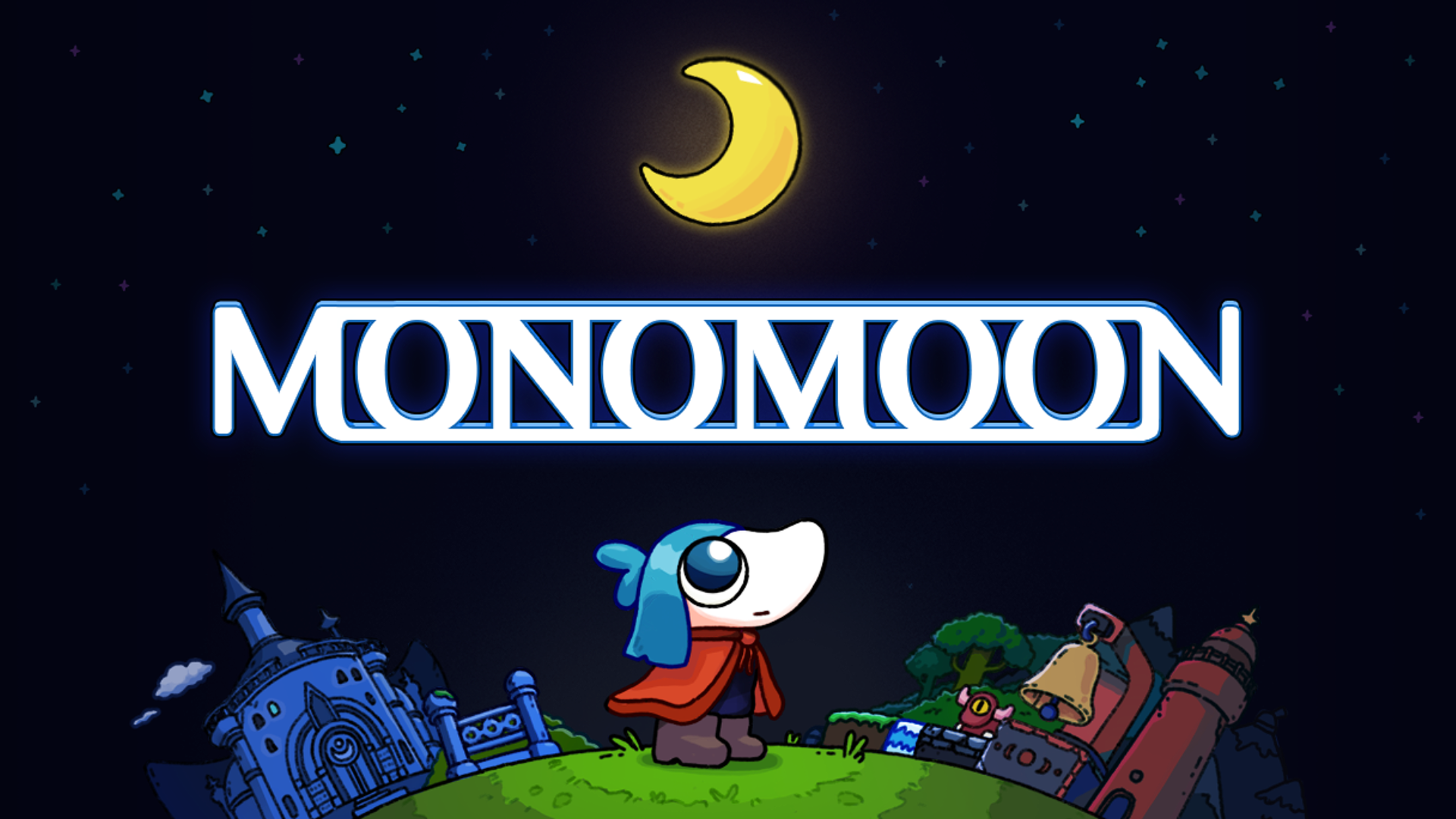
11 November: MONOMOON and language support
Steam lists Ukrainian interface and subtitles, achievements, Cloud and Family Sharing. Minimum storage is 600 MB; the GPU description is unspecific.
For Ukrainian-speaking readers, the language columns are a concrete reason to inspect this page rather than rely on a genre tag. Check the particular column you care about and avoid extending one tick into a promise about every part of the presentation.
Likewise, a small installation footprint should not stand in for hardware testing. Our practical choice would be to keep the title on a focused shortlist, then check release-day feedback about controls and technical behaviour without reading solutions to its mysteries.
24 November: Light of Atlantis
Steam lists Windows and Linux, plus Family Sharing. We have not verified Cloud, achievements or a Deck rating.
Leave an unverified field unfilled. That is more helpful than completing a familiar-looking feature checklist by assumption. If one of those details determines whether you will buy, make it the question you revisit at launch rather than treating silence as either support or a defect.
Steam Deck deserves its own check
Valve's compatibility review distinguishes Verified, Playable, Unsupported and Unknown. It considers input, display, seamless operation and system support; Linux availability or controller support alone is not a Verified result.
We do not award a compatibility label to any game in this roundup. For a handheld-first purchase, inspect the actual rating and its details close to release. Decide what compromises you would accept before watching a clip on somebody else's device: occasional configuration, small text, or a setup that needs accessories may matter differently to different readers.
Keep that personal checklist separate from a desktop recommendation. The safest library plan is the one built around your real device and habits, not the most optimistic interpretation of a badge.
A useful November library plan
Separate “buy,” “update,” “try,” and “check later” in your own notes. Add the reason beside each entry, because that reason will still be useful if a date moves. Before checkout, confirm the exact product, your regional price, the operating system and any feature on which your decision depends.
Do not let the number of wishlist notifications become the number of purchases. This calendar is successful if it helps you choose fewer games more deliberately, including deciding that something interesting can wait.

Comments