
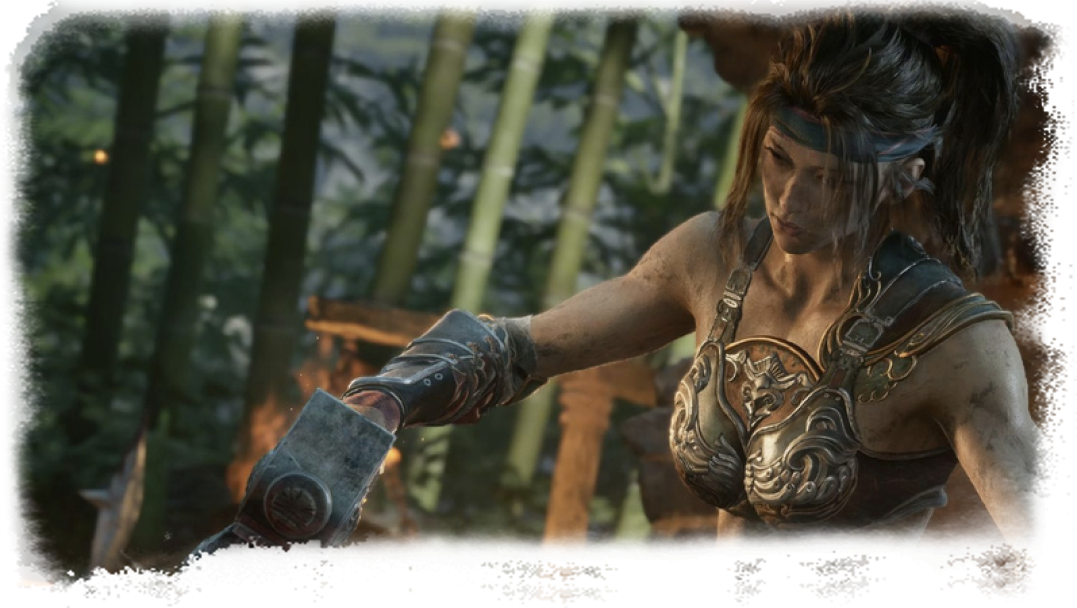
S-GAME listed November 28 as the release date for Phantom Blade Zero patch 1.0304629. The studio published the notes on November 26 and put the download at 7 GB. The most useful change if the camera tends to take over is a switch that makes it less assertive between attacks without removing its help when you strike.
Where to find the new options
- In Settings, go to Combat Assist and turn off Automatic Strong Camera Assist. Strong assistance still kicks in while you attack an enemy. Outside attacks, the game makes smaller adjustments. This is not a fully manual camera mode.
- Try the same encounter with the option on and off. Watch what the camera does between attacks, especially as you circle an enemy or reposition.
- On PC, lower Mouse Lock-On Target Switching Sensitivity if moving the mouse accidentally snaps you to another opponent. Set it to 0 to stop the mouse from switching targets; you can still lock on. S-GAME separately adjusted how automatic lock-on chooses targets during fights.
What else to check in combat
S-GAME reports lower RAM and VRAM usage, with the biggest difference in cutscenes and snowy areas. The studio also says it reduced stuttering from some visual effects. These are patch-note claims, not independent frame-rate measurements or a guarantee for every hardware configuration.
If you use the Soft Snake Sword, revisit the controls: hold Execute for Sword Blossom Shield. Sidesteps in Guard Stance also leave you invulnerable for longer. For War Wagon users, Earthshaking Slam is meant to deal damage once per use rather than erroneously stacking it through repeated hits.
Returning for 100% item collection?
Load your existing save after updating. Items that went missing because of the story-book handover bug should be restored on load. It is a fix for that specific bug, not general lost-item recovery. On PC, if every other achievement is already unlocked, Defy Destiny should unlock automatically the next time you start the updated game.
If Steam shows an unexpectedly large download or the game misbehaves after the patch, S-GAME recommends checking for leftover third-party mods first. For crashes or stutter, the patch notes also describe refreshing the shader cache. Leave the save folder alone.
Comments